Configuring historical access
Use the Historical Access tab to configure both the History Adapter and the History Nodes. A History Adapter defines the type of data storage and a History Node the variable for which historical data should be saved in the data storage.
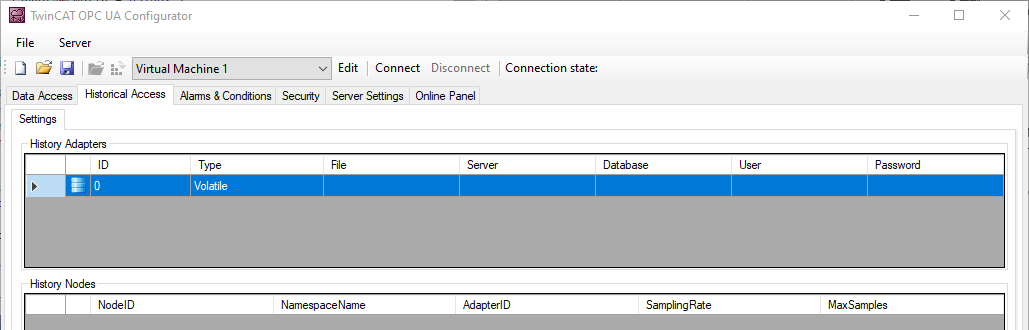
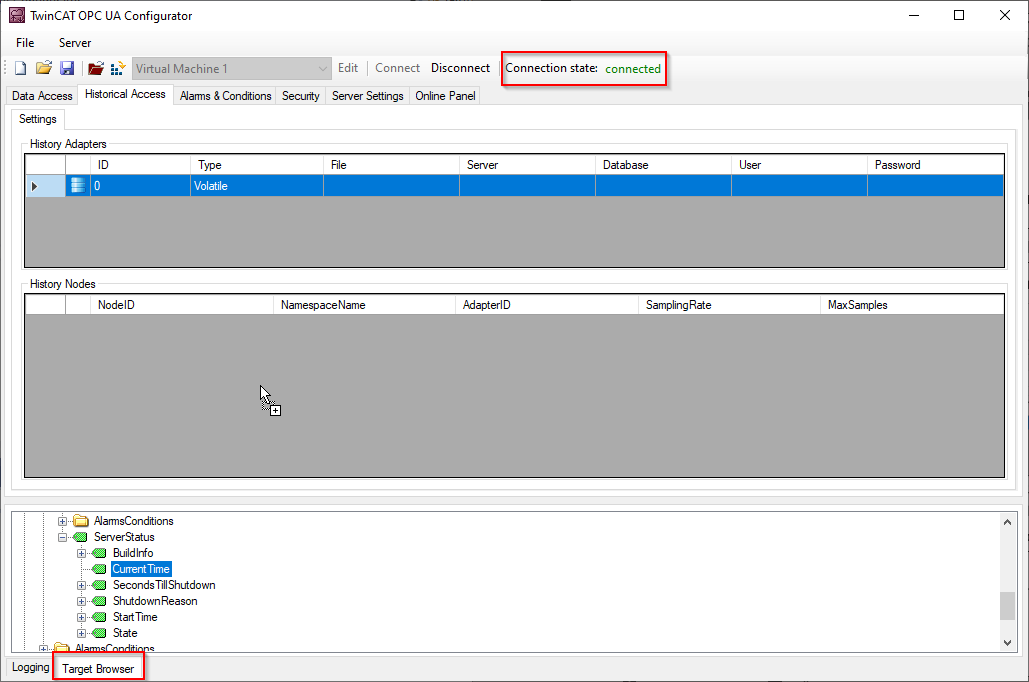
You can use the context menu to create both History Adapter and History Nodes. If you are connected to a TwinCAT OPC UA Server, you can also conveniently add the nodes to be configured via drag & drop from the Target Browser to the History Nodes.
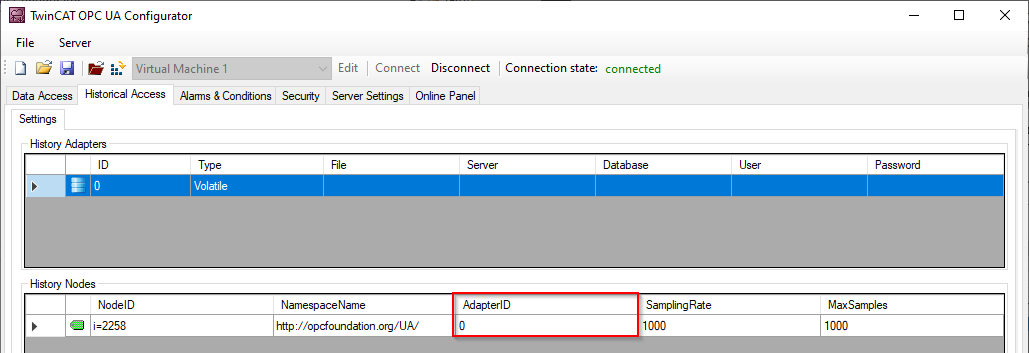
Subsequently, a History Node can be linked to the respective History Adapter via the AdapterID.
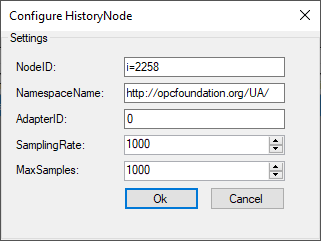
Double-click on the History Node to open the corresponding configuration dialog.