Command Background
Symbol: 
Function: This command opens the dialog Frame Configuration, in which a color or an image for the visualization background can be selected.
Call: Menu Visualization, context menu
Dialog Background
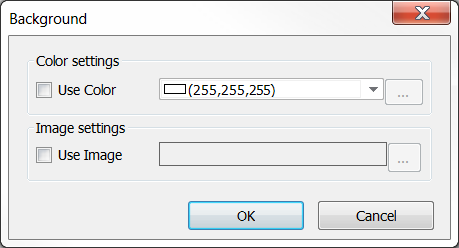
Enable the desired option(s):
- Bitmap: To define a background image, enter the path of an image file, which is available in an image pool in the project. Enter the name of the image pool and the image file ID, separated by a dot “.”: <image pool>.<ID> (e.g. “Images_1.drive_icon>”, “Images_1.43”).
- Color: To define the background color of the visualization, select the desired color from the color list.