Setup OPC XML-DA on Windows XP
All necessary files for OPC XML-DA will be automatically installed by the setup routine. This chapter describes the required IIS (Internet Information Services) configuration for OPC XML DA on Windows XP
Please note: The configuration may be different in other Windows Operating Systems, for example Windows 7.
Step 1: Create "Virtual Directory" in IIS (Internet Information Service)
- Open "Internet Information Services" (under "Control Panel/Administrative Tools/").
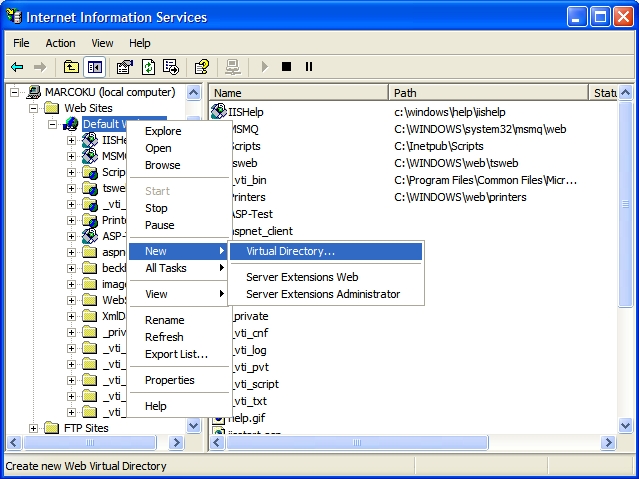
- Right click on "Default Web Site"
- Select "New" and "Virtual Directory..."
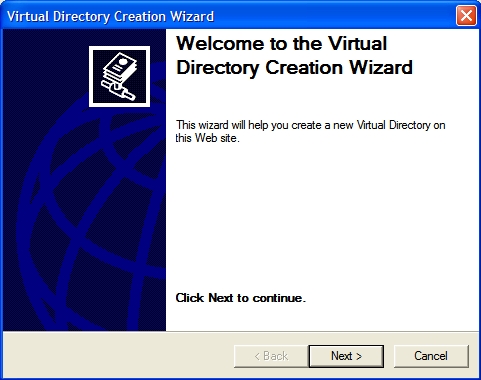
- Everybody is welcome, so just click next.
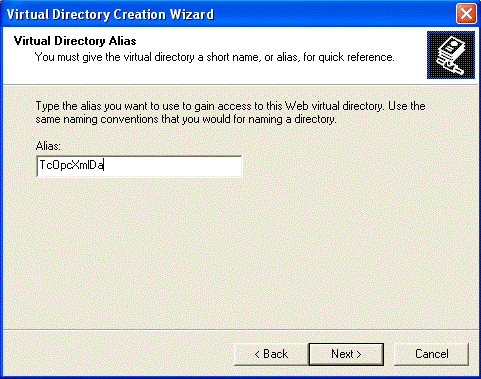
- Please enter the alias "TcOpcXmlDa" and click "Next"
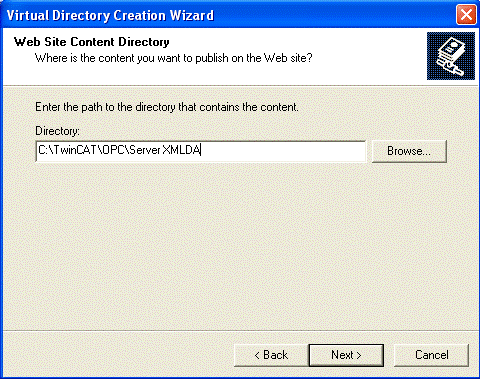
- With "Browse..." you have to specify the folder which contains the TwinCAT OPC Xml DA Server. By default the folder should be like "C:\TwinCAT\OPC\Server XMLDA". Select "Next" to proceed.
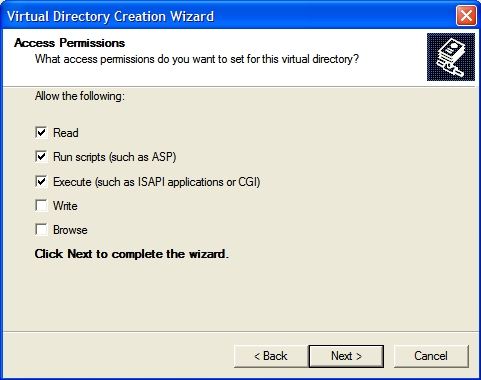
- Check options "Read", "Run scripts" and "Execute" and click "Next".
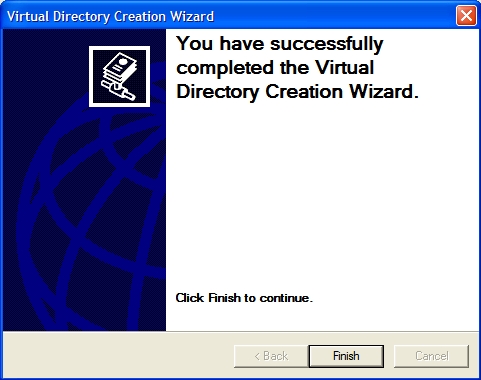
- Select "Finish" to finish the configuration of TwinCAT OPC XML DA Server.
Step 2 : Testing the configuration
The URL of the OPC-XML-DA server on the PC system can be checked locally or from a remote PC: In both cases open the Internet explorer and enter the URL of the OPC Server XML DA on PC system like :
http://<ip-adress or name of PC device>/tcopcxmlda/tcopcxmlda.dll
Sample :
http://192.16.17.5/tcopcxmlda/tcopcxmlda.dll
or
http://localhost/tcopcxmlda/tcopcxmlda.dll
The TcOpcXmlDa server will reply with a status page containing the product version :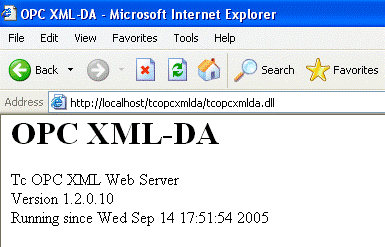
Please note:
In case of problems (like receiving no HTML status data) please check if a proxy server is activated on your host PC. After deactivating the proxy and reloading the URL the Opc XML DA server should reply with status info.