Disabling BitLocker
This step shows how to disable BitLocker and unencrypt your data carrier.
Proceed as follows:
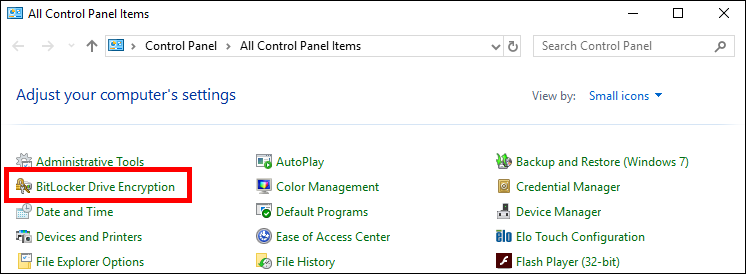
- 1. Click Start > Windows System > Control Panel, then click BitLocker Drive Encryption.
- 2. Click the Turn off BitLocker button
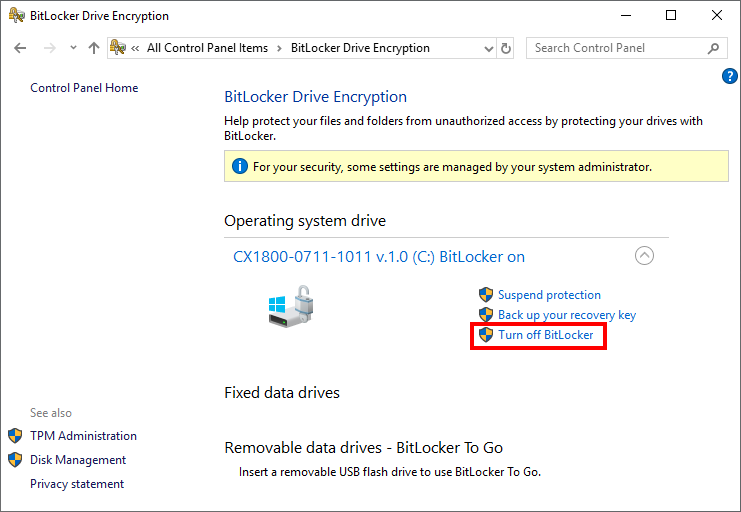
- The encryption of the data carrieris removed. When BitLocker is disabled, the data carrieris decrypted again, which may take some time.