Service Installation
The following step descripes how to install the TwinCAT ADS WCF Service, which can be connected by a ADS WCF client.
1. Install libraries
Install the listed libraries into the "Global Assembly Cache" by copying them to "C:\WINDOWS\assembly" as Administrator:
- "TwinCAT\AdsApi\TcAdsWcf\PollingDuplex\v3.0\System.ServiceModel.PollingDuplex.dll"
- "TwinCAT\AdsApi\TcAdsWcf\PollingDuplex\v4.0\System.ServiceModel.PollingDuplex.dll"
2. Create Windows Service
Open the command prompt as Administrator and use the InstallUtil.exe (part of the .NET Framework) to create the Windows service:

You will be informed, if the service is installed ordinary:

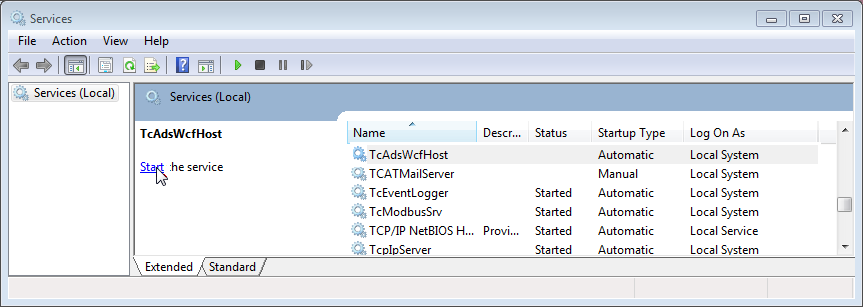
Switch to "Control Panel\Administrative Tools\Services" and start the "TcAdsWcfHost" Service:
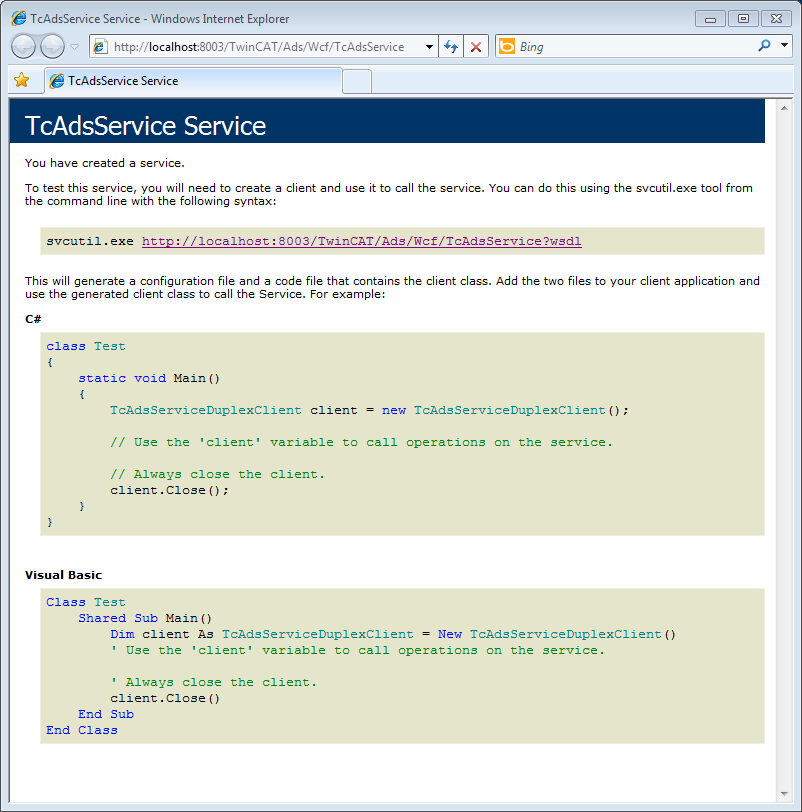
Open a browser and go to http://localhost:8003/TwinCAT/Ads/Wcf/TcAdsService to test the service. You will receive following webpages:
 | If you want to uninstall the TwinCAT ADS WCF Service use the parameter -u of the InstallUtil.exe-Tool (https://docs.microsoft.com/en-us/dotnet/framework/tools/installutil-exe-installer-tool). |