Create and configure the PLC-FB
Navigate to Configuration Parameters > Code Generation > TC PlcFb General.
Check the checkbox Generate TwinCAT PLC Function Block here. In the standard configuration, the checkbox is checked.
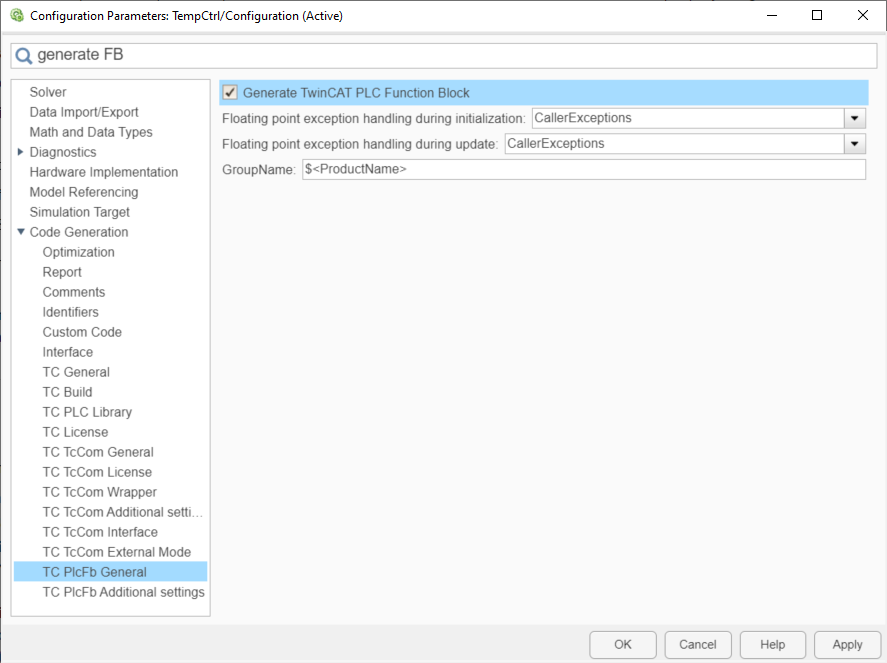
The further settings concern the handling of floating point exceptions for the PLC-FB. These must be made separately to the settings for the TcCOM object, see Exception handling.