Process image
The process image is automatically adapted to the selected I/O functions. It always contains exactly those process data objects that are required for the evaluation or control of these I/O functions.
The procedure for selecting the I/O functions is described in the chapter Selection of I/O functions.
For multi-channel I/O functions, the following figures show the process data objects for channel 1 as an example. The process data objects for the other channels have the same content.
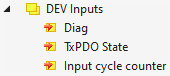
DEV Inputs
| Diag TxPDO State Input Cycle counter |
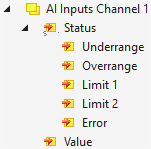
AI Inputs
| Underrange Overrange Limit 1 Limit 2 Error Value |
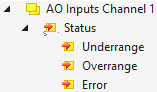
AO Inputs
| Underrange Overrange Error |
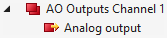
AO Outputs
| Analog output |
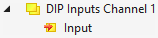
DIP Inputs
| Input |
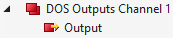
DOS Outputs
| Output |
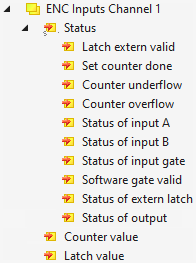
ENC Inputs
Depending on the ModuleGroup selected, only a subset of the input data shown below is available in the process data.
| Latch extern valid Set counter done Counter underflow Counter overflow Status of input A
Status of input B
Status of input gate Software gate valid Status of extern latch Status of output Counter value Latch value |
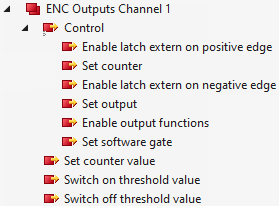
ENC Outputs
Depending on the ModuleGroup selected, only a subset of the input data shown below is available in the process data.
| Enable latch extern on positive edge Set counter Enable latch extern on negative edge Set output Enable output functions Set software gate Set counter value Switch on threshold value Switch off threshold value |
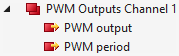
PWM Outputs
| PWM output PWM period |