Touch control
There are buttons that have been configured accordingly in the settings. The display can be activated and its appearance / position on the button side can be set for each button used.
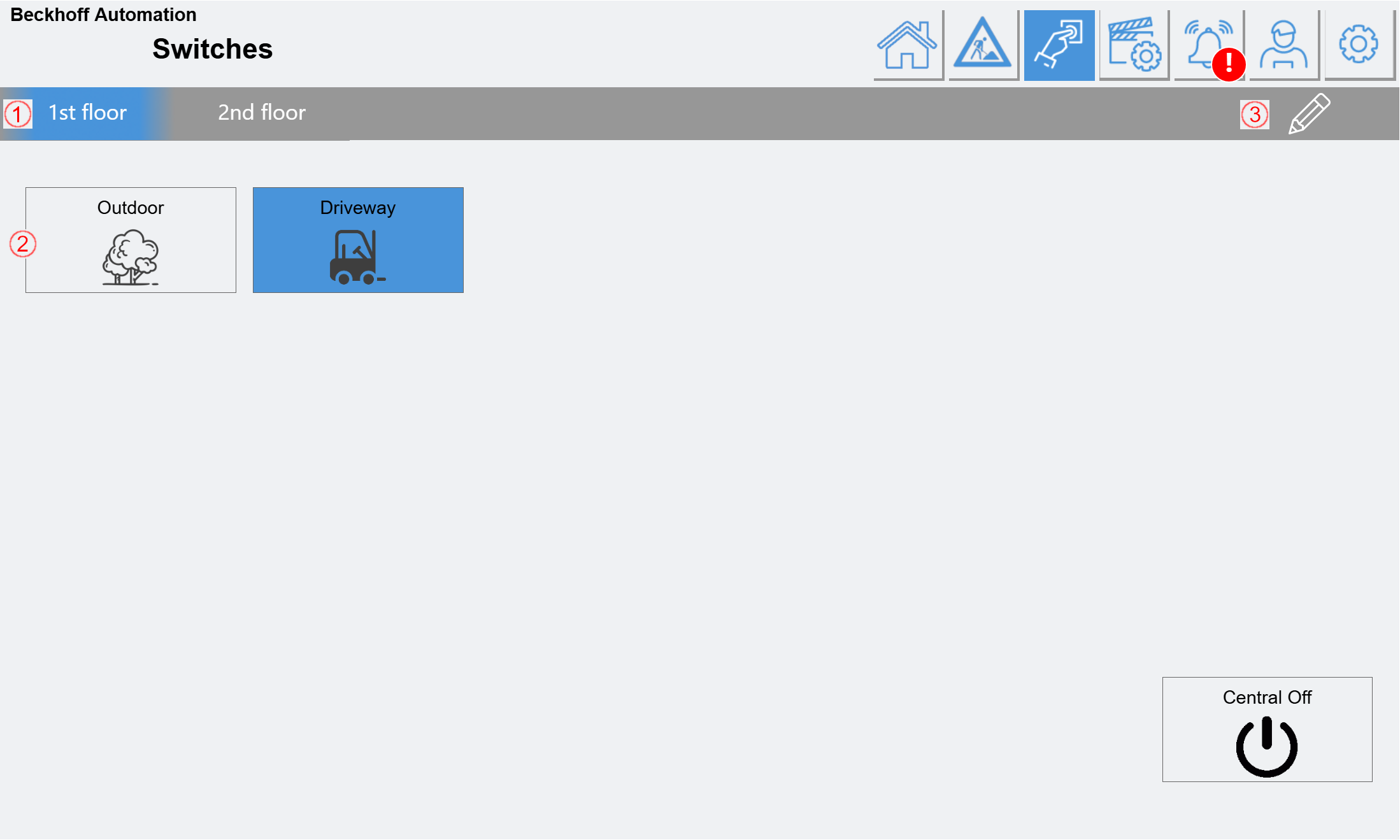
(1) Depending on the selection, up to four button pages are displayed, between which you can switch here.
(2) Button configured: Feedback in blue.
How the individual buttons are configured is explained in the "IO configuration" chapter.
(3) Button that enables/disables the editing mode. If it is active, the names of the button pages (1) can be changed with a click.