Numerical Compare 1Ch

The Numerical Compare 1Ch compares the input values with a reference value and provides the result of this comparison operation. The operator, the reference value and the count mode can be configured individually.
Optionally, a Boolean signal can be selected for the Enable Execution input so that the algorithm is only active if the value of the selected signal is TRUE.
Configuration options
- Operator: specifies whether the input value should be greater than, greater than or equal to, less than or equal to, less than or not equal to the reference value.
- Reference: reference value for the comparison operation.
- Count Mode: mode of the result counter.
OnChange: the counter counts every time the result changes to TRUE.
Cyclic: the counter increments every cycle when the condition is TRUE. - Use Absolute Values: if the checkbox is checked, the absolute value of the input signal is used.
- Tolerance (optional): tolerance value for the Equal / NotEqual comparisons.
Output values
- Operation Out: Result of the comparison operation.
- Count: Incremented when the output value is TRUE. The behavior depends on the parameter Count Mode.
- Last Event: Indicates the time of the last triggered event → the event can be dragged and dropped into the Scope chart to display it as a trigger-event
Standard HMI Controls
For the Numerical Compare 1Ch algorithm, the following HMI controls are available for generating an Analytics Dashboard:
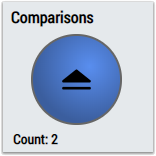
1. The Comparison Control or Multivalue Control visualizes the output values Operation Out and Count as well as the configuration option Operator.
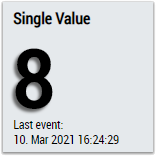
2. The SingleValue control visualizes the output values Count and Last Event.
3. The BinaryState control visualizes the output value Operation Out.
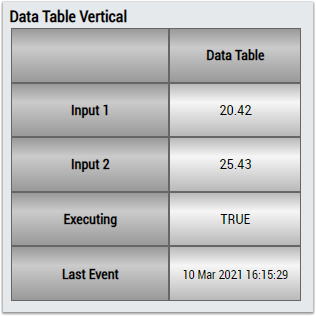
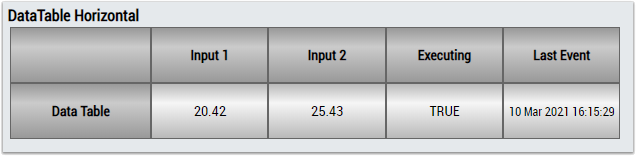
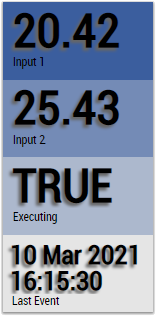
4. The Table Control and Multivalue Control visualize all output values: Operation Out, Count, Last Event.
Alternatively, customer-specific HMI controls can be mapped in the Numerical Compare 1Ch algorithm using the Mapping Wizard.