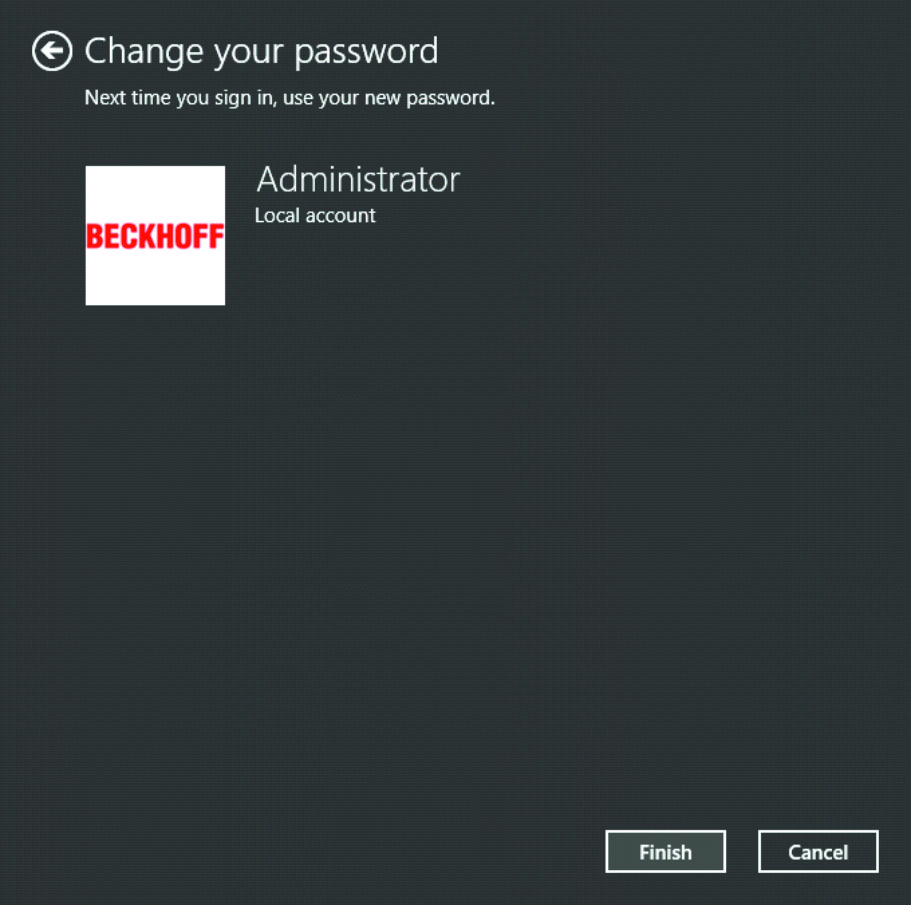
Change password
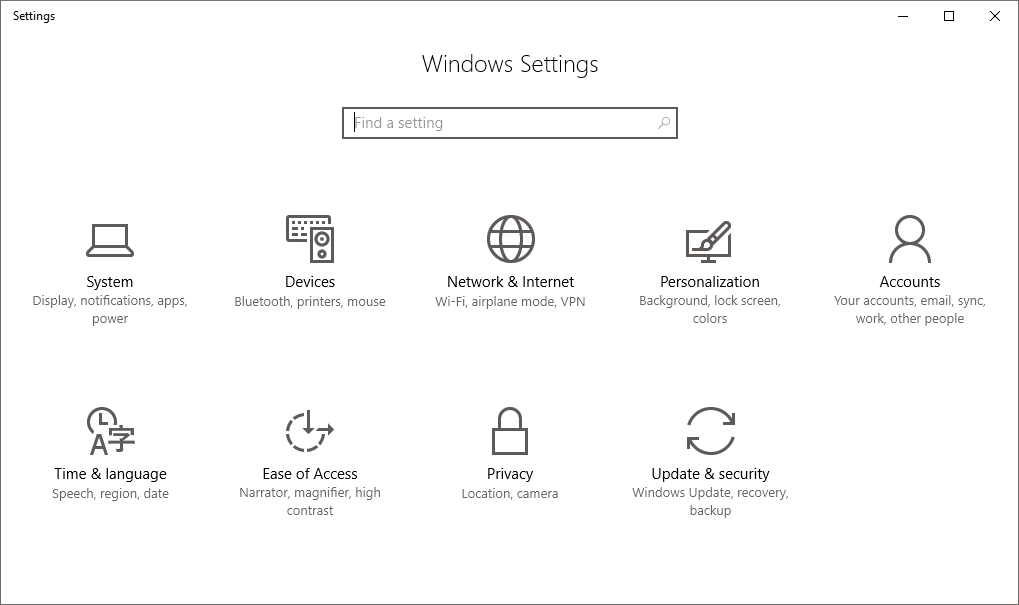
- 1. Open the settings and click Accounts.
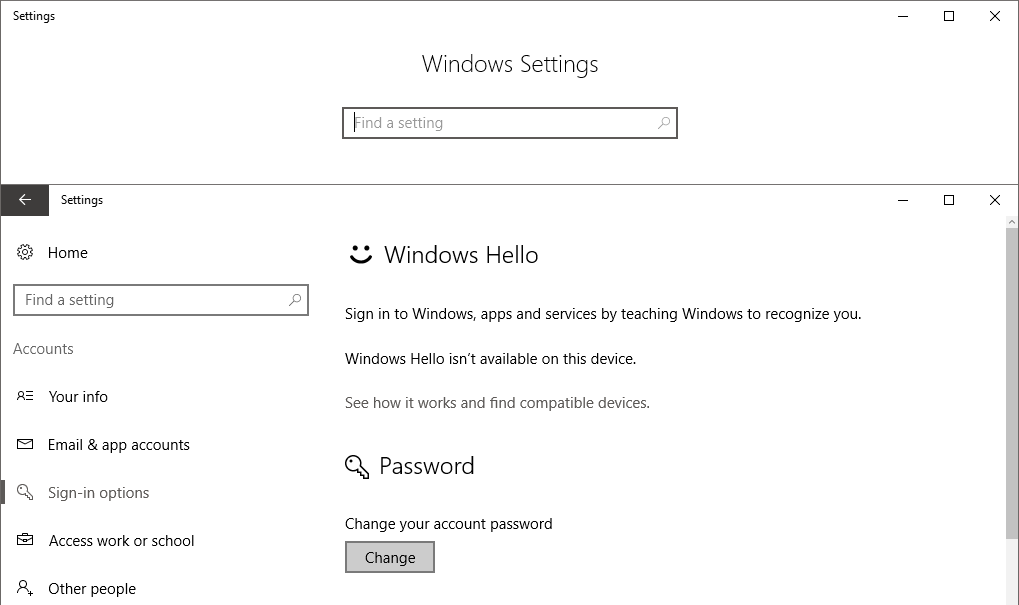
- 2. Select Sign-in options and click Change in the Password area.
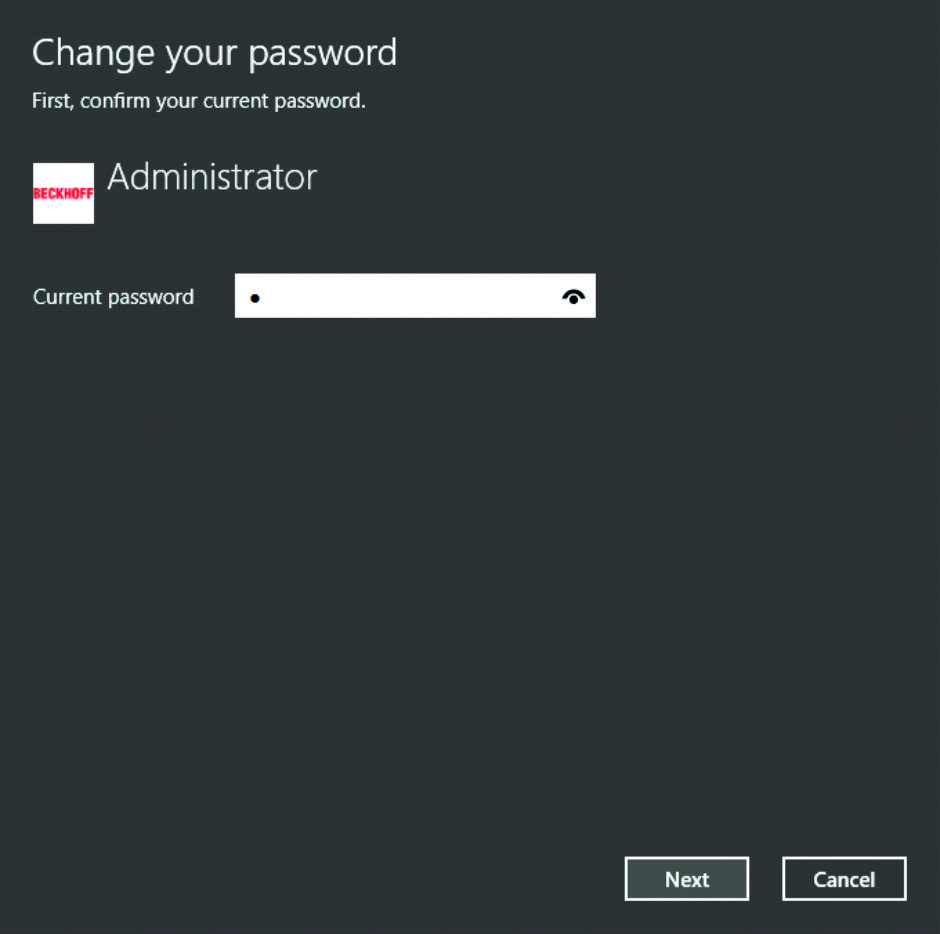
- 3. Enter your current password and click Next.
- 4. Enter your new password and click Next.
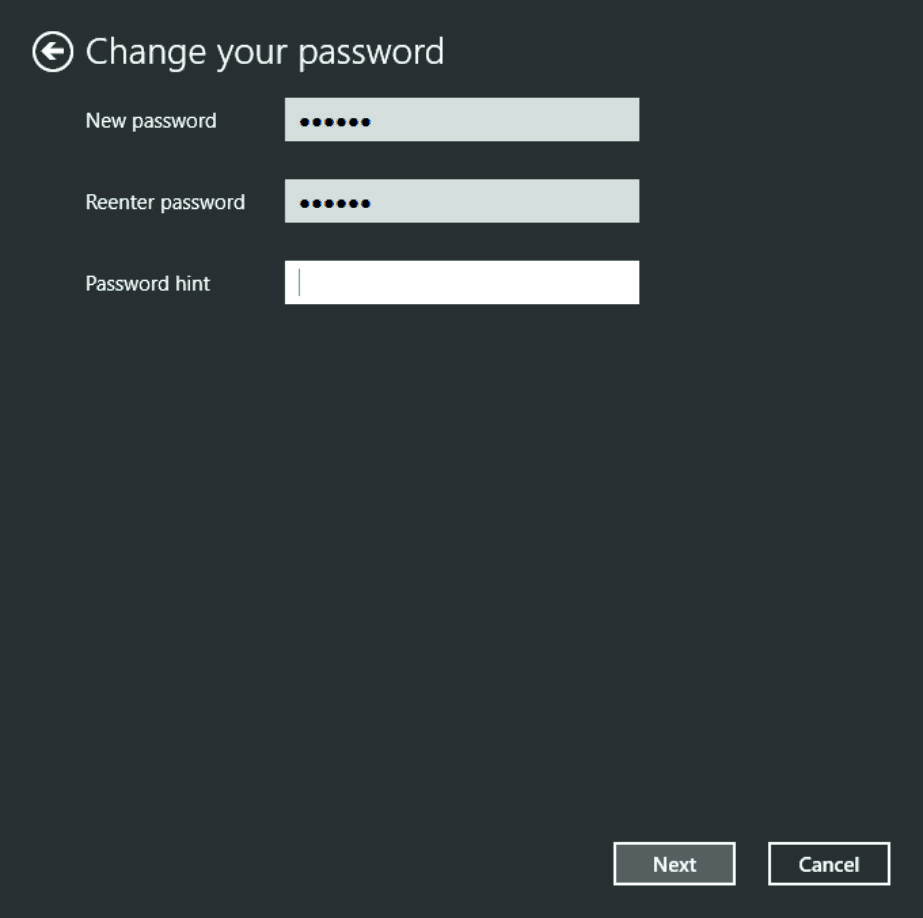
- The password has now been reset.
Guidelines · 0 次阅读