DALI
The Digital Addressable Lighting Interface (DALI) is a simple bus system for building automation that transmits the signals for the digital operation of lighting devices. The DALI line via KL6811 offers the option to additionally integrate DALI devices in order to configure and work with them.
Settings
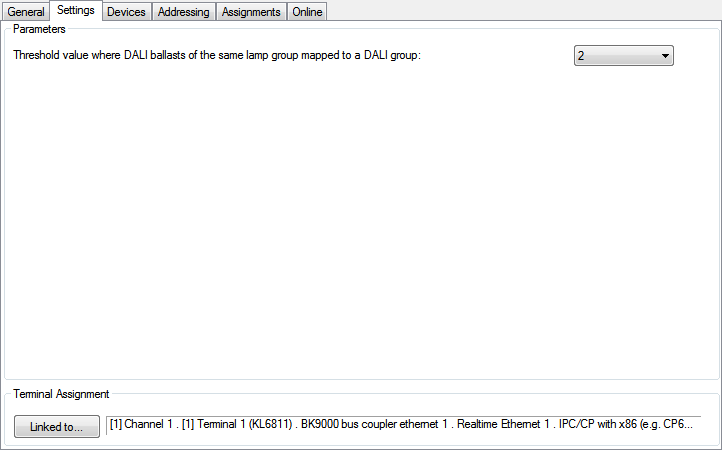
Parameters
- Threshold value where DALI ballasts of the same lamp group mapped to a DALI group: Input field for the threshold value, where DALI-ballasts of the same lamp group are mapped to a DALI-group.
Pressing the Linked to...-button opens a dialog, where the designated input-terminal can be assigned to this module.
Devices
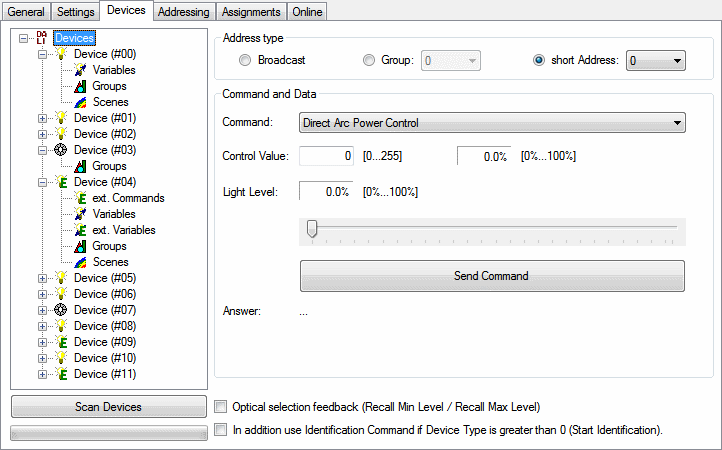
This dialog lists all scanned DALI-devices and shows all available parameters and commands. Three DALI-types are available:


Addressing
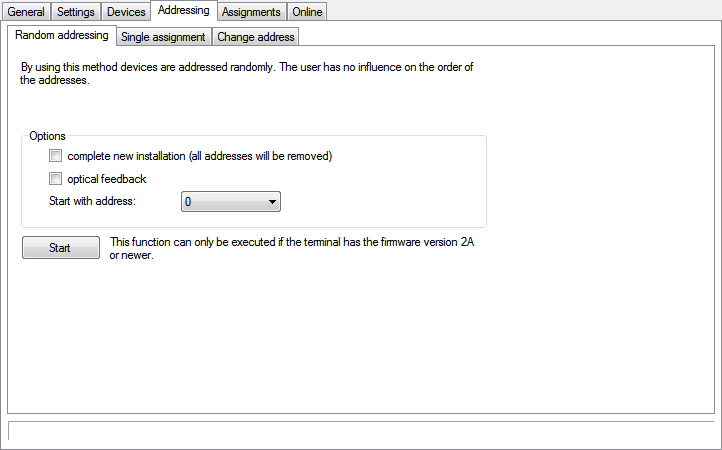
The Adressing-menu provides access to the addressing-options. For more information, please see the following pages:
Online
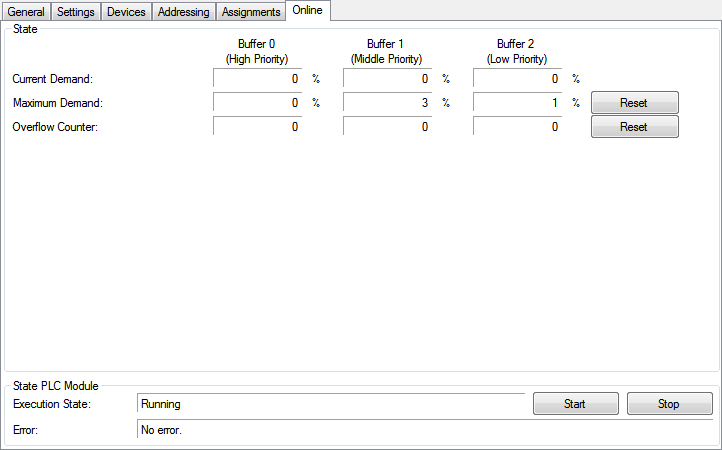
State
- Current Demand: The current demand in percentage.
- Maximum Demand: The maximum demand in percentage.
- Overflow Counter: Displays the current count of recognized overflows.
State PLC Module
- Execution State: Shows if the module is running or stopped.
- Error: In case of an error, the error-code and the error-parameter are displayed in this box.
- Start/Stop: Starts/stops the module.
Further Information