Installation
This part of the documentation gives a step-by-step explanation of the TwinCAT 3 XML Data Server setup process for Windows based operating systems. The following topics are part of this document:
- Starting the installation
- After the installation
Starting the installation
To install the Supplement, please perform the following steps:
- Double-click the downloaded setup file "TcXmlDataSrv.exe". Please note: Under Windows 32-bit/64-bit, please start the installation with "Run as Administrator" by right-clicking the setup file and selecting the corresponding option in the context menu.
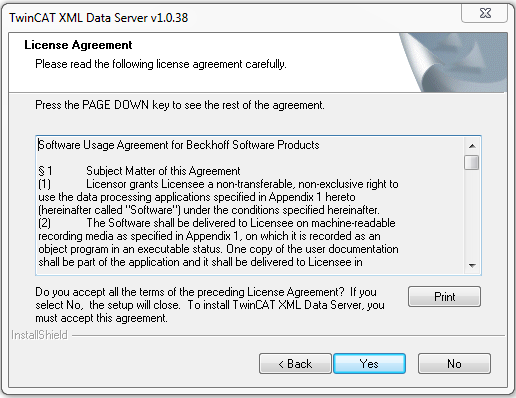
- Click on "Next" and accept the license agreement.
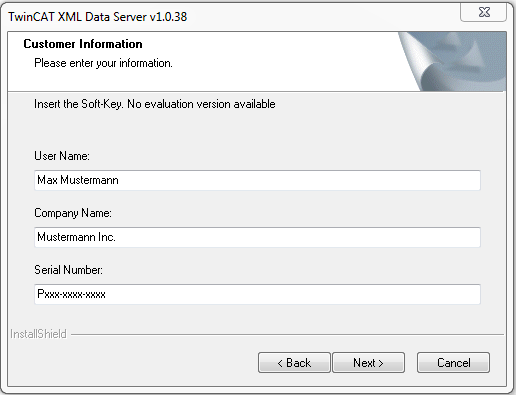
- Enter your user information:
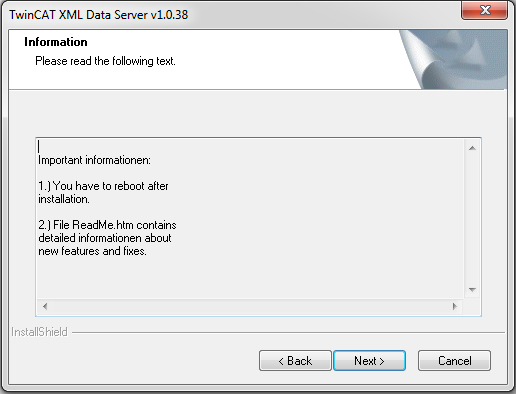
- Click on "Next" to start the installation
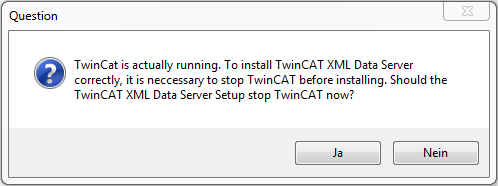
- TwinCAT system must be stopped before proceeding with installation. Select "Yes" to stop TwinCAT system service
- Select "Finish" to end the setup process
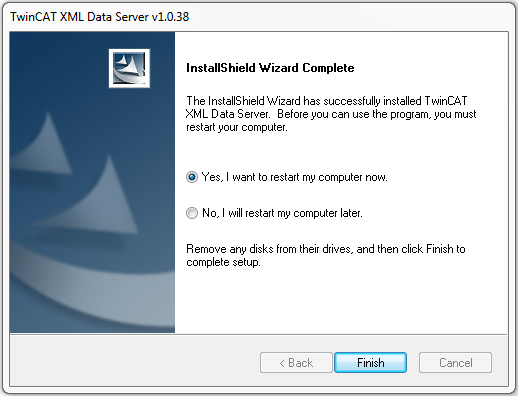
After the installation
After restarting your computer, the supplement "TwinCAT XML Data Server" is ready for use.