XTS Simulation Builder
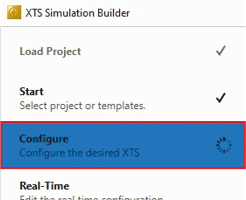
- ►Expand the sidebar and click on Configure
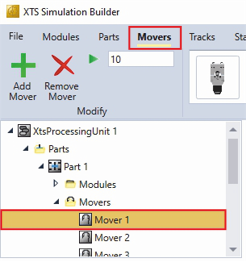
- ►Click on the tab Movers
- ►Select the mover for which the settings are to be adjusted
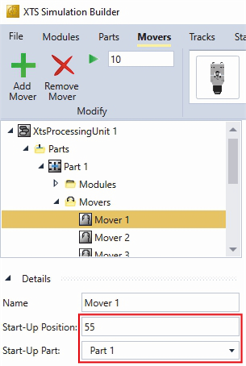
- ►Expand Details
- ►Enter the start position of the mover in the input field Start-Up Position
- ►In the Start-Up Part drop-down menu, select the part on which the mover is to start