Decoupling movers
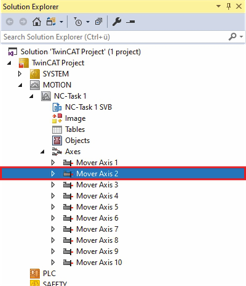
- ►Expand Solution Explorer > TwinCAT Project > MOTION > Axes
- ►Click on Mover Axis 2
- ►In the project window, click on the Coupling tab
- ►Click on Decouple to decouple the NC axis
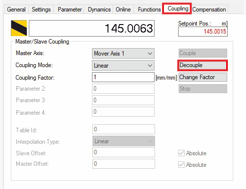
The NC axis is decoupled and can be coupled with another NC axis or moved individually.