Detect Value Change 1Ch

The Detect Value Change 1Ch detects and counts changes in numeric input values.
Optionally, a Boolean signal can be selected for the Enable Execution input so that the algorithm is only active if the value of the selected signal is TRUE.
Configuration options
- Tolerance: The tolerance refers to the input value of the last detected value change. If the input value is outside this tolerance, a value change is detected.
Output values
- Value Changed: TRUE, if a value change was detected, otherwise FALSE.
- Count: Count up every time Boolean Switch is TRUE.
- Last Event: Indicates the time of the last triggered event → the event can be dragged and dropped into the Scope chart to display it as a trigger-event
Standard HMI Controls
For the Detect Value Change 1Ch algorithm, the following HMI controls are available for generating an Analytics Dashboard:
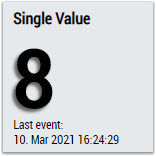
1. The SingleValue control visualizes the output values Count and Last Event.
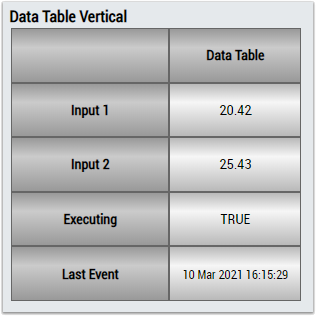
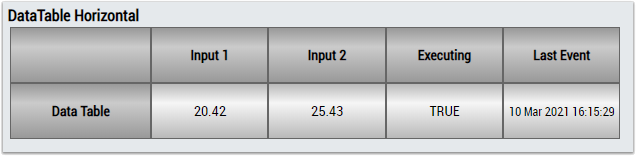
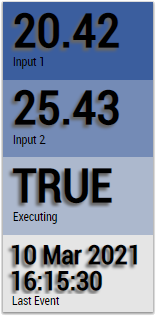
2. The Table Control and Multivalue Control visualize all output values.
Alternatively, customer-specific HMI controls can be mapped using the Mapping Wizard.