Example 1: Output and evaluation of pulses
Download: Program
In this example program an EL2212 generates periodically different pulses on both channels.
Connection diagram:
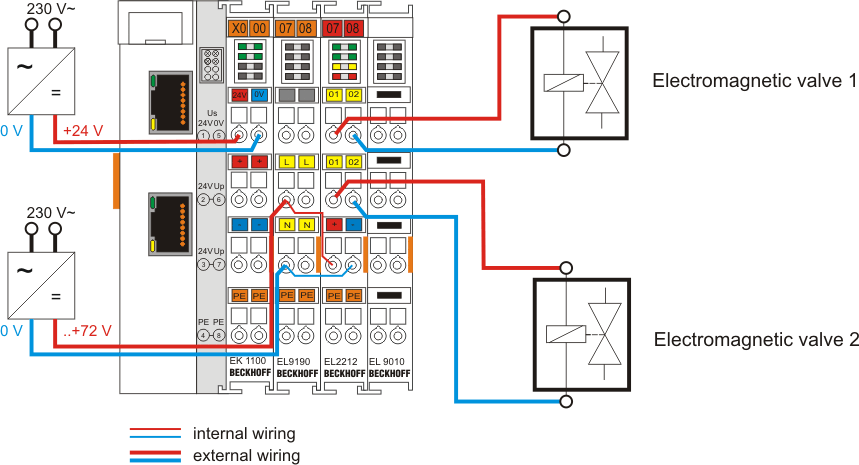 Fig.179: Wiring for example program 1
Starting the example program
The application examples have been tested with a test configuration and are described accordingly.
Certain deviations when setting up actual applications are possible.
The following hardware and software were used for the test configuration:
- TwinCAT master PC with Windows XP Professional SP 3, TwinCAT version 2.10 (Build 1335) and INTEL PRO/100 VE Ethernet adapter
- Beckhoff EK1100 EtherCAT coupler, EL9190, EL2212 and EL9010 terminals.
- Feed 24 - 72 V DC into the EL9190
Procedure for starting the program
- After clicking the Download button, save the zip file locally on your hard disk, and unzip the *.TSM (configuration) and the *.PRO (PLC program) files into a temporary working folder
- Run the *.TSM file and the *.PRO file; the TwinCAT System Manager and TwinCAT PLC will open
- Connect the hardware in accordance with fig. 1 and connect the Ethernet adapter of your PC to the EtherCAT coupler (further information on this can be found in the corresponding coupler manuals)
- Select the local Ethernet adapter (with real-time driver, if one) under System configuration, I/O configuration, I/O devices, device (EtherCAT); then on the "Adapter" tab, "Search..." box, select the appropriate adapter and confirm (see corresponding illustrations)
- Activation of the configuration and confirmation
- Confirmation of new variable mapping, restart in RUN mode
- In TwinCAT PLC, under the "Project" menu, select " Rebuild all" to compile the project
- In TwinCAT PLC: log in with the "F11" button, confirm loading the program, run the program with the "F5" button
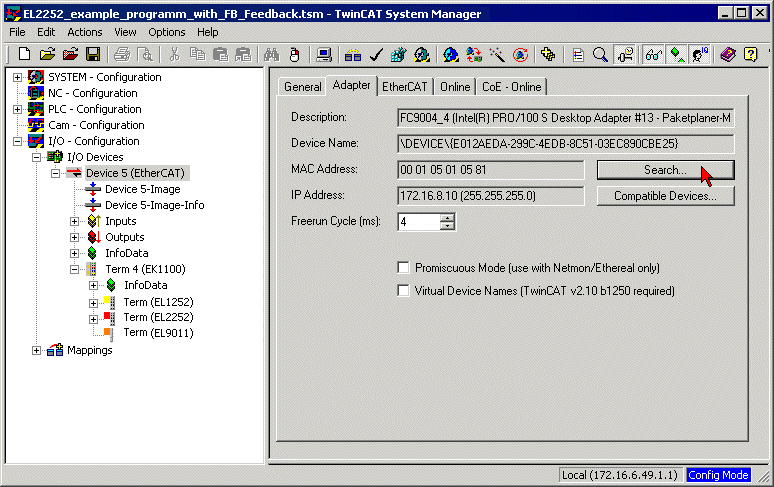 Fig.180: Searching the Ethernet adapter
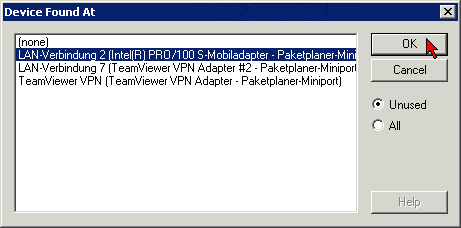 Fig.181: Selection and confirmation of the Ethernet adapter
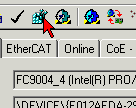 Fig.182: Activation of the configuration
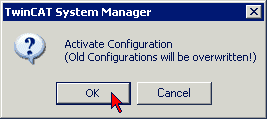 Fig.183: Confirming the activation of the configuration
 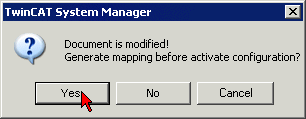 Fig.184: Generating variable mapping
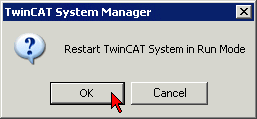 Fig.185: Restarting TwinCAT in RUN mode
 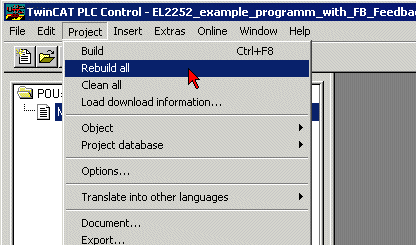 Fig.186: Compile project
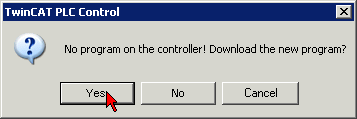 Fig.187: Confirming program start