Installation
This part of the documentation gives a step-by-step explaination of the TwinCAT 3 Database Server setup process for Windows based operating systems. The following topics are part of this document:
- Starting the installation
- After the installation
Starting the installation
Starting the installation
To install the Supplement, please perform the following steps:
 | Under Windows 32-bit/64-bit, please start the installation with "Run as Administrator" by right-clicking the setup file and selecting the corresponding option in the context menu. |
- Double-click the downloaded setup file "TcDatabaseSrv.exe".
- Select a language in which you want to install the software
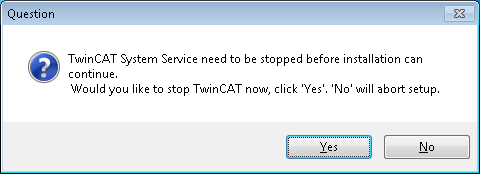
- TwinCAT system must be stopped before proceeding with installation. Select "Yes" to stop TwinCAT system service
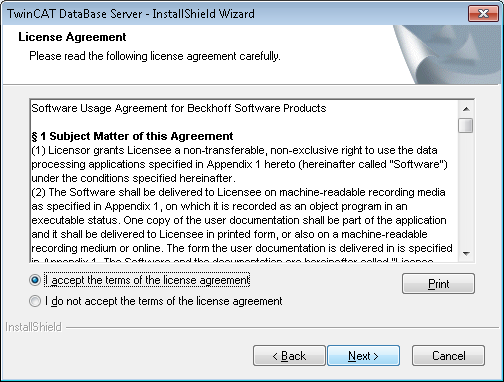
- Click on "Next" and accept the license agreement
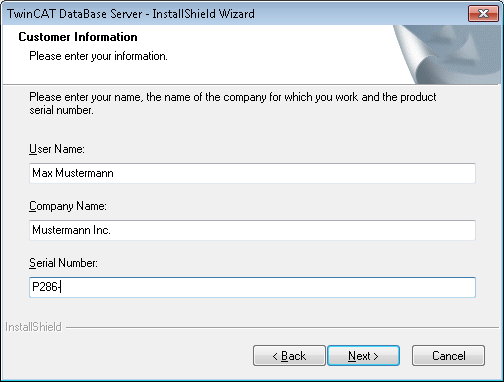
- Enter your user information
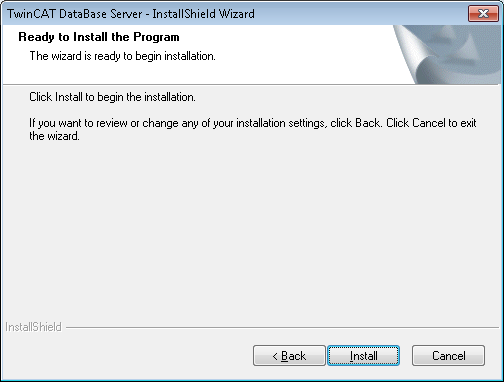
- Click on "Install" to start the installation
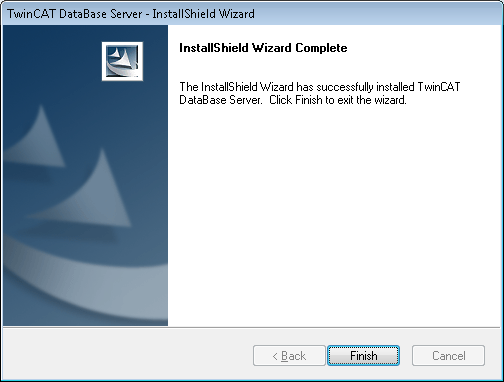
- Select "Finish" to end the setup process
After the Installation
After a successful installation the TwinCAT System could be set to CONFIG Mode. The Supplement-Product "TwinCAT Database Server" is now ready to use. With the help of the XML Configurator, it is possible to configurate the database connections and ADS devices for the TwinCAT Database Server.