Math Operation 1Ch

The Math Operation 1Ch executes a mathematical operation on the signal of the input channel and a reference value. The algorithm provides the result of the mathematical operation and the operator can be configured individually.
Optionally, a Boolean signal can be selected for the Enable Execution input so that the algorithm is only active if the value of the selected signal is TRUE.
Configuration options
- Mathematical Operator: Mathematical operator of the operation.
"+" Addition
"-" Subtraction
"x" Multiplication
"/" Division
"xy" PowerOf
"%" Modulo
"˅" Minimum
"˄" Maximum - Mathematical Operand: Mathematical operand for the operation.
- Use Absolute Values: If the checkbox is checked, the absolute values of the two operands are used.
Output Values
- Result: Result of the mathematical operation.
Standard HMI Controls
For the Math Operation algorithm, the following HMI controls are available for generating an Analytics Dashboard:
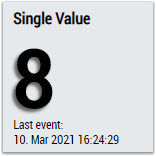
1. The SingleValue control visualizes the output value Result.
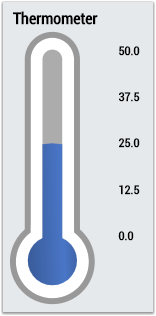
2. The Thermometer control visualizes the Result output value and can be used for temperature displays.
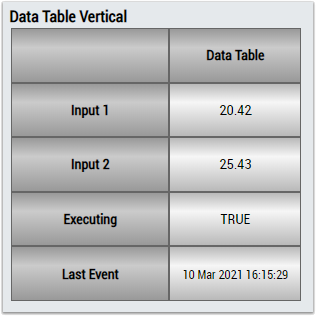
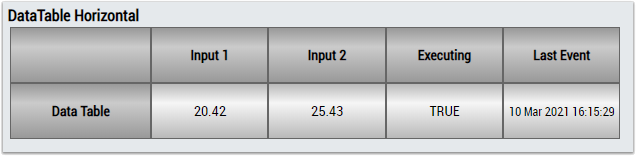
3. The Table Control or Multivalue Control visualizes all output values: Result.
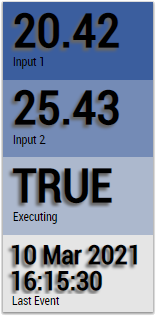
Alternatively, customer-specific HMI controls can be mapped in the Math Operation algorithm using the Mapping Wizard.