XTS Acceleration Analysis 1Ch

The XTS Acceleration Analysis 1Ch calculates the current acceleration of a XTS mover. For this purpose, the length of the XTS in millimeters must be declared and as input signal the mover position is required.
Optionally, a Boolean signal can be selected for the Enable Execution input so that the algorithm is only active if the value of the selected signal is TRUE.
Configuration Options
- XTS Length [mm]: Length of the given XTS system in millimeters.
Output Values
- Acceleration: Current acceleration of the XTS mover.
Standard HMI Controls
For the XTS Acceleration Analysis 1Ch algorithm, the following HMI controls are available for generating an Analytics Dashboard:
1. The Tachometer control visualizes the output value Acceleration.
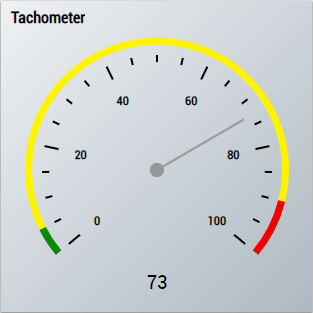
2. The Radial Gauge control visualizes the output value Acceleration.
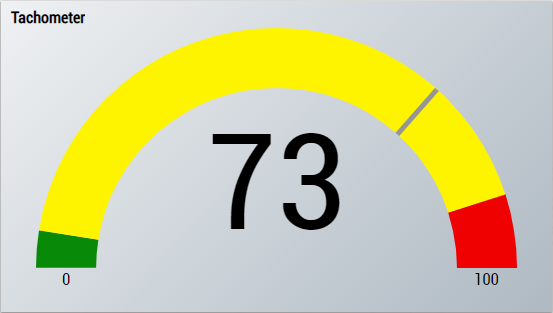
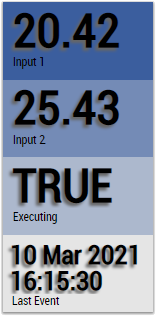
3. The SingleValue control visualizes the output value Acceleration.
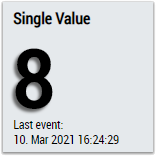
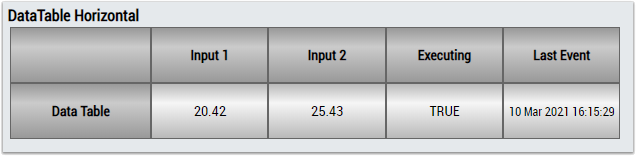
4. The Table Control or Multivalue Control visualizes all output values: Acceleration.
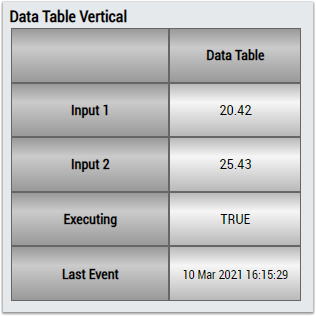
Alternatively, customer-specific HMI controls can be mapped in the XTS Acceleration Analysis 1Ch algorithm using the Mapping Wizard.