Change password
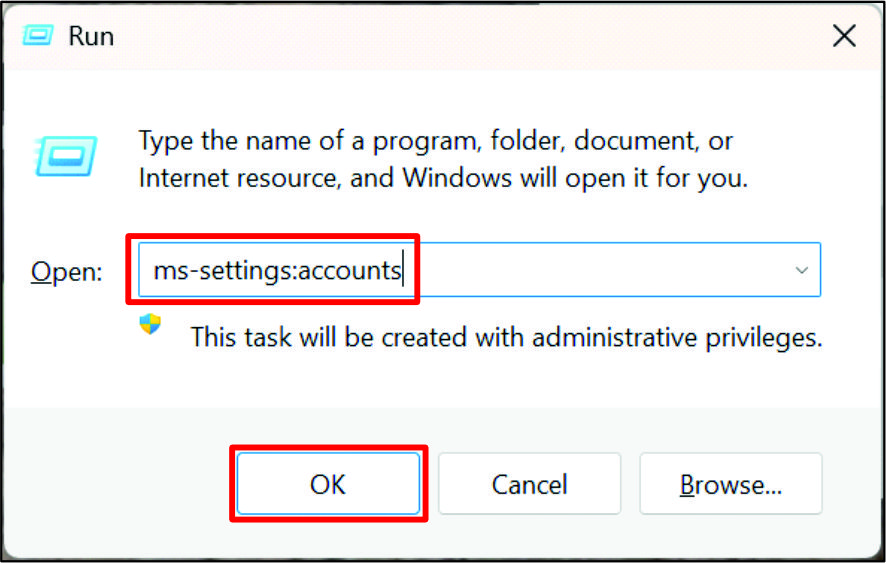
- 1. Open Windows Run with the shortcut [Windows + R] and enter "ms-settings:accounts" in the highlighted field. Then confirm the dialog with OK.
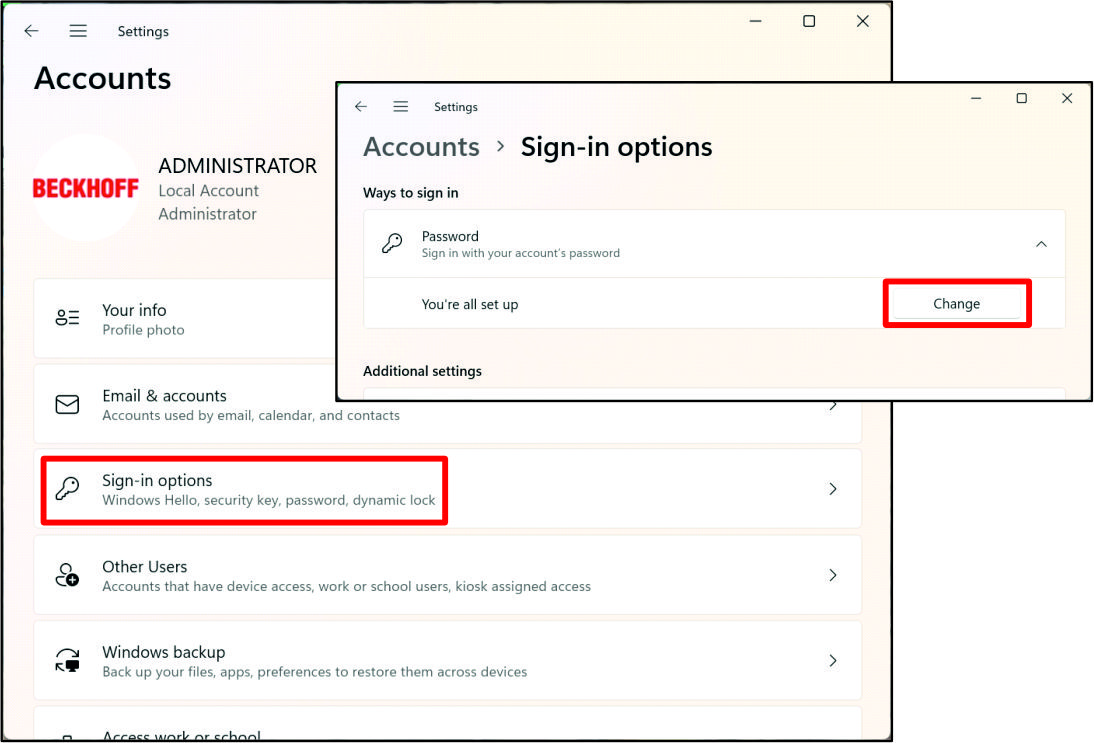
- The Settings window opens.
- 2. Click on the Sign-in options field.
- 3. Click on Change in the Password area.
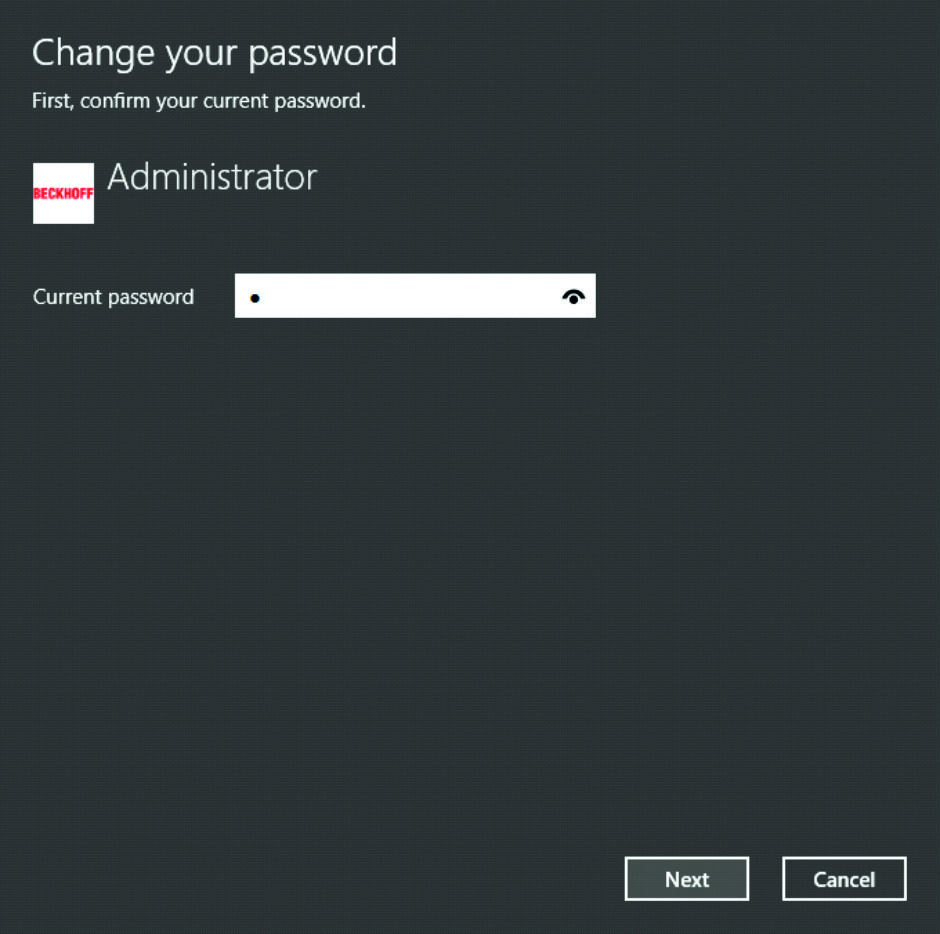
- 4. Enter your current password and click Next.
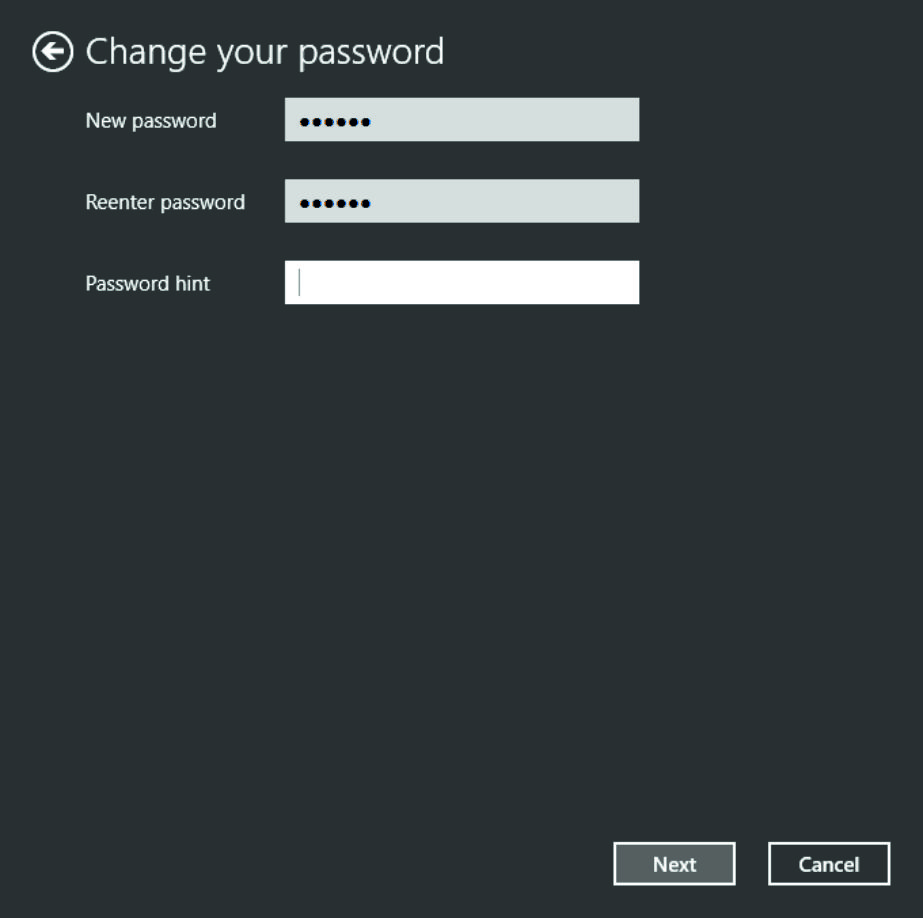
- 5. Enter your new password and click Next.
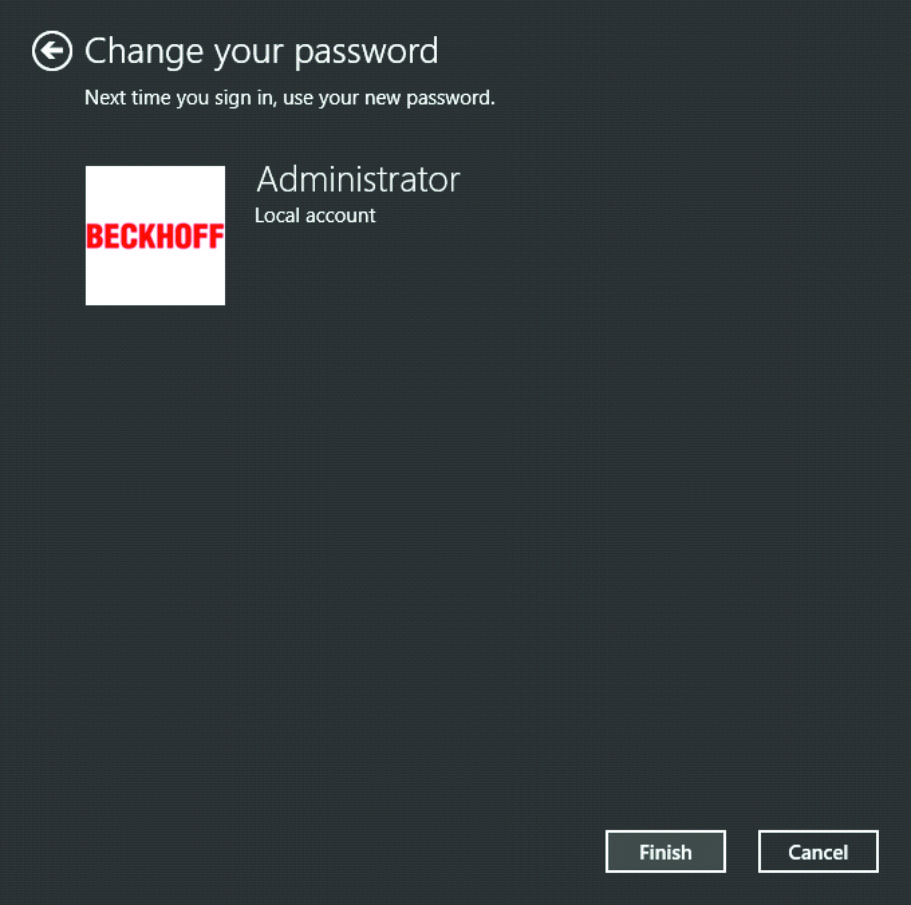
- The password has now been reset.