Configure drive
Before you can start the controller, you must transfer the TwinCAT settings to the drive. To do this, activate the configuration.
|
|
Click the Activate Configuration icon in the toolbar. |
|
|
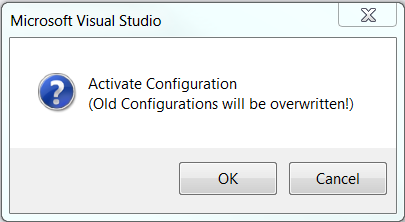
Activate the configuration with OK. |
|
|
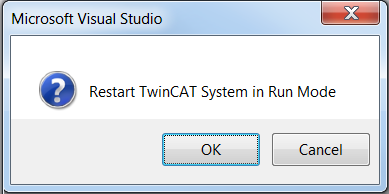
Start Run mode with OK. |
|
|
Wait until the blue gear icon in the status bar turns green. Only then is the application in Run mode. |

 →
→ 
→ All your settings were applied to your drive. The drive is ready for operation.