Axis modules and capacitor modules
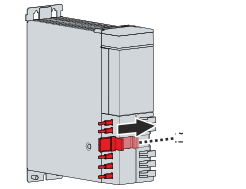
- ►On all relevant modules, slide the bar for the AX bridge [1] to the right
The contacts can then no longer be seen.
- ►Screw screws once again into the control cabinet mounting plate in accordance with the drilling pattern
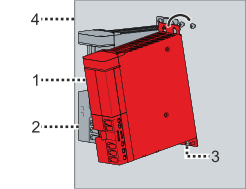
- ►Place the axis module [1] at the right side of the power supply module [2] onto the screw [3] and carefully press against the mounting plate [4]
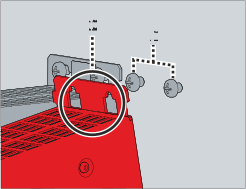
- ►Once again, guide the screws [1] through the rectangular cut-outs in the module housing [2]
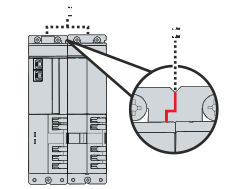
- ►Make sure that the plates of the rear panel of Module [1] are not overlapping and that the modules are sitting flush in cut-out [2].
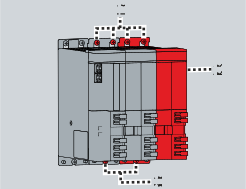
- ►Bay further modules [2] and screw all remaining screws [1] and [3] tight on the module housings
- ►Observe tightening torques:
Components | Tightening torque [Nm] |
|---|---|
Screws M5 x 5 | 6 |
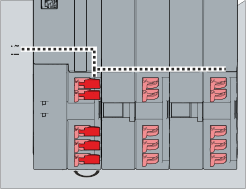
- ►On all modules that you wish to connect, open the quick connectors [1] and place them in the 90° position
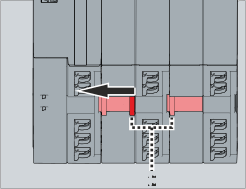
- ►Slide all bars [2] for the AX bridge to the left
- ►Close all quick connectors again
The modules are now connected to one another.